


The same exceptional audio. A sharper, more versatile look.
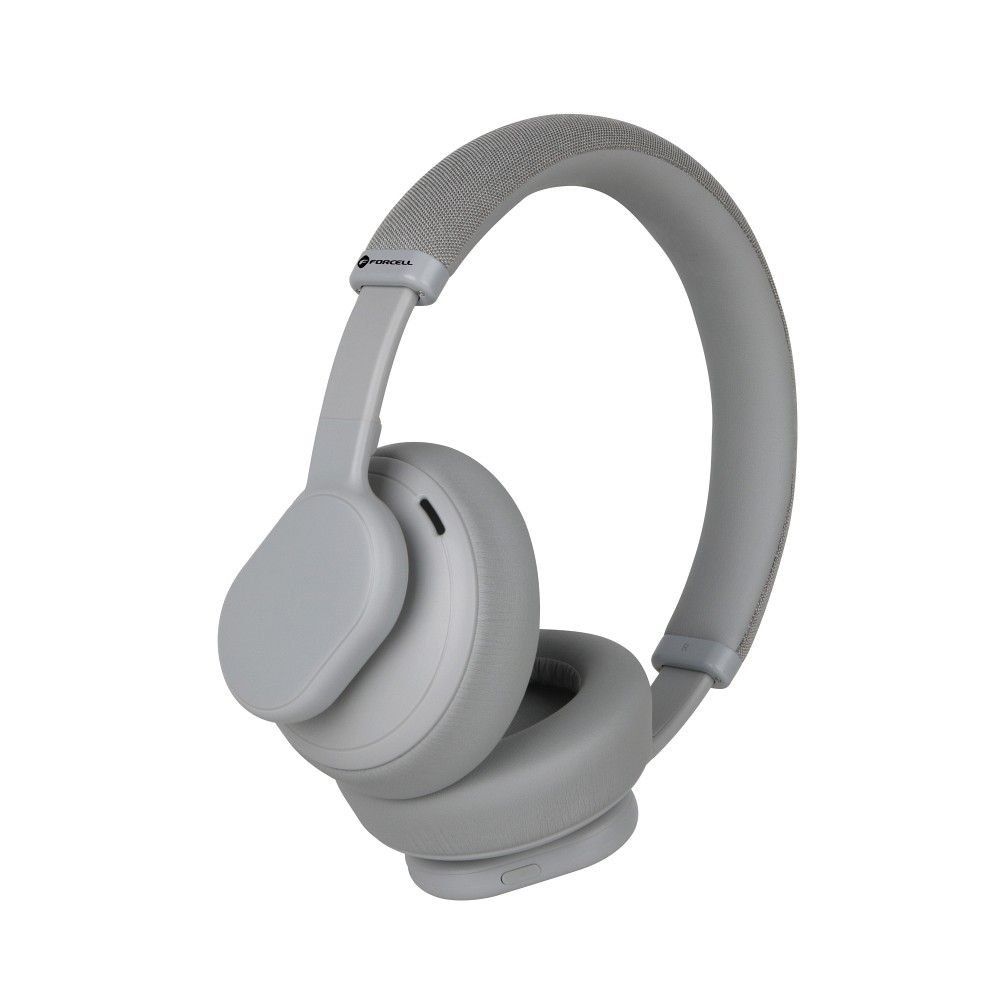
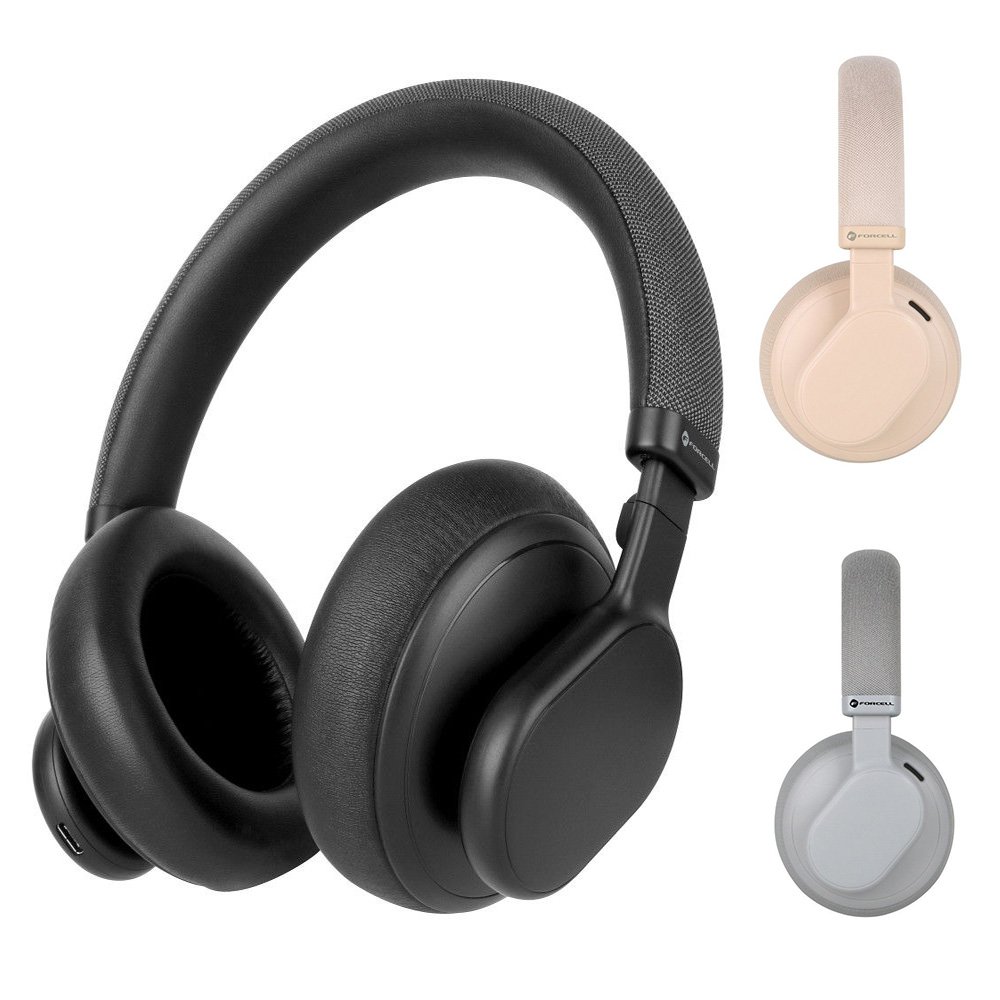
The Forcell F-Audio Touch Beat earbuds in Gray deliver the complete Touch Beat audio experience—true wireless convenience, touch controls, 24-hour combined battery, and Bluetooth 5.3 — in a sleek, versatile Gray colourway that suits every style, occasion, and wardrobe.
Gray is the most adaptable color in the earbud category. It works with formal office wear as naturally as it works with gym kit and sits comfortably between the softness of Beige and the starkness of black. For buyers who want an earbud that looks equally at home in a boardroom and a gym, Gray is the practical choice.
The hardware, specifications, and performance of the Gray variant are identical to the beige—this is purely a design choice, and both are excellent.
Available now at fone4u.ie with free delivery across Ireland.
Touch Controls — Intuitive and Glove-Friendly
The touch-sensitive surface on each earbud responds to simple, deliberate gestures, making it easy to control music, calls, and noise cancellation without reaching for your phone.
| Gesture |
Function |
| Single tap |
Play / Pause |
| Double tap |
Skip track / Answer call |
| Triple tap |
Previous track |
| Hold (1–2 seconds) |
Voice assistant activation
|
| Hold both earbuds |
Power off |
What's in the Box
| Item |
Included |
| Touch Beat Earbuds — Gray (Left + Right) |
Yes |
|
Charging Case — Gray
|
Yes |
|
USB-C Charging Cable
|
Yes |
|
Ear Tips S / M / L
|
Yes |
|
Quick Start Guide
|
Yes |
Frequently Asked Questions
As far as the choice between Gray and Beige colors is concerned, it is strictly a matter of subjective choice since the rest of the characteristics remain unchanged. It seems that gray is much easier to combine with both darker and lighter shades and looks great regardless of the setting or the style of clothes. On the other hand, beige can be viewed as a warm and elegant choice for casual use.
Of course, as stated above, the Gray color scheme helps make these headphones very suitable for use in a professional environment.
First of all, the subtle color is far less noticeable compared to other colors, which means you won't look odd when wearing them in meetings or at the office. Secondly, the microphone system does a good job handling calls in office surroundings, and you can use touch controls to take a call without touching your phone. In general, it seems to suit perfectly for a person who wears the headphones throughout the whole working day.
The Touch Beat has a dynamic driver that provides a good balance of sound signature across the frequency spectrum. In case of songs that have a lot of bass—like hip-hop, electronic, and pop—the driver provides deep but controlled bass. For acoustic music, podcasts, and classical—where midrange clarity and treble definition matter more—the balanced tuning keeps vocals and instruments detailed and natural. It is not a bass-heavy earbud that muddies everything nor an analytical reference monitor—it is a versatile, enjoyable everyday driver that handles most genres competently.
The earbuds charge from empty to full in approximately 45 to 60 minutes when seated in the case. The charging case itself charges from empty via USB-C in approximately 1.5 to 2 hours. Because the earbuds charge inside the case, the most practical approach is to charge the case overnight — it then keeps the earbuds topped up automatically whenever they are seated inside. Most users only need to charge the case itself once or twice per week under typical daily use patterns.
The microphone system includes environmental noise rejection designed to reduce wind noise and background sound during calls. In light to moderate wind, voice pickup remains clear. In heavy wind—standing outside in exposed conditions—some wind noise may be audible on the caller's end. This is consistent with how in-ear earbud microphones perform across the category. For calls in very windy conditions, positioning your body to block wind from the microphone side, or briefly cupping your hand near the earbud, reduces the effect.
Yes. The Touch Beat connects to MacBook and Windows laptops via Bluetooth. Once paired, they work as the default audio input and output for all laptop applications — Zoom, Teams, Google Meet, browser-based calls, and any other audio source. Multipoint connection means you can simultaneously maintain the laptop connection and a smartphone connection, automatically switching between audio sources as needed. For remote workers who take laptop calls and mobile calls throughout the day, this is a significant practical convenience.
The Touch Beat earbuds and Sound Craft headphones serve different use cases. The Touch Beat is a compact in-ear TWS earbud—lighter, more portable, better for active use and casual everyday wear, and less conspicuous in public. The SoundCraft is a full-size over-ear headphone—larger, more immersive, better for extended seated listening sessions, and equipped with stronger ANC due to the physical ear cup seal. If portability, gym use, and discreet everyday carry are priorities, the Touch Beat is the better fit. But if you find joy in being immersed in music, working overtime, and traveling, then perhaps you should give SoundCraft a try.
Yes. The Touch Beat earbuds function as the audio output for any application on your paired device — they have no awareness of specific apps and simply play whatever audio your phone or laptop produces. Spotify, Apple Music, YouTube Music, Tidal, Amazon Music, podcasting apps, and any other audio source all work identically through the Touch Beat earbuds.
With multipoint Bluetooth, the earbuds maintain simultaneous connections to two paired devices and switch between them automatically based on which device produces audio. To manually switch focus to a specific device — for example, to start audio from your laptop when your phone is playing — pause the phone audio and press play on the laptop. The earbuds follow the active audio source. If you need to switch to a completely new third device, disconnect from one of the two paired devices in its Bluetooth settings and pair the new device through the same process as initial setup.
Place the earbuds inside the case for 10 seconds and then take them out again, as this will force them to connect. If this is ineffective, you will need to forget the device in the Bluetooth settings of your phone and reconnect it anew. For a factory reset of the earbuds, place them in the charging case, press the case button for around 10 seconds or until the LED blinks, and then try to pair the earbuds again. This fixes most of the connectivity issues. However, in case it does not fix anything, please contact Fone4U customer service via fone4u.ie or go to any of our three stores.
Splash resistance—sometimes described as IPX4 equivalent—means the earbuds are protected against sweat, light rain, and water splashes from any direction. For running in typical Irish weather conditions, including light to moderate rain, the Touch Beat earbuds are adequately protected. They are not rated for submersion or sustained heavy rainfall at extreme angles. After use in wet conditions, wipe the earbuds dry before returning them to the case to protect the charging contacts.
The Forcell F-Audio Touch Beat Wireless Bluetooth Earbuds in Gray are available now at fone4u.ie with free 1–2 day delivery across Ireland. In-store purchase and same-day collection are available at Fone4U stores in Ballina, Co. Mayo, Sligo, and Bray, Co. Wicklow.