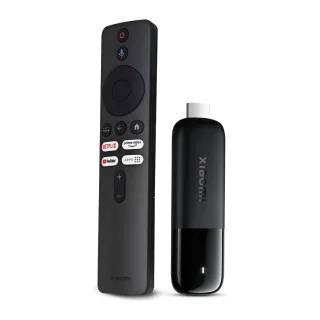
Xiaomi Mi TV Stick Full HD (MDZ-24-AA)
€64.99
Klarna.Or 3 payments of €13.33 with Klarna.
humm
If anything goes wrong that isn’t accidental damage, we repair or replace it. Bring it to any of our stores.
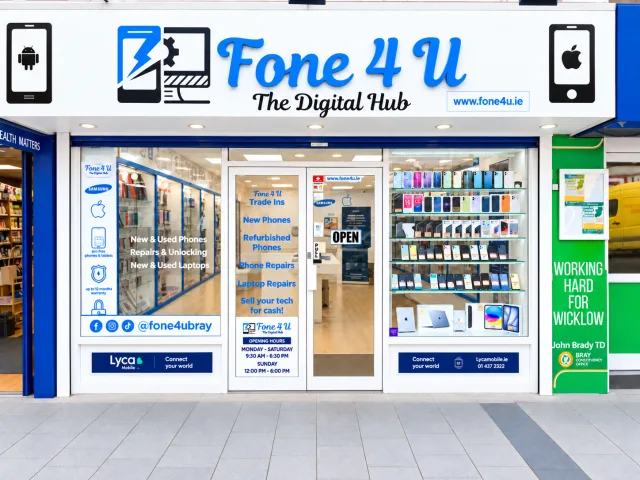
Bray, Ballina and Sligo. Collect, get help setting up, or bring it in for a repair.
Return it unopened, in its original sealed packaging, within 15 days for a full refund.
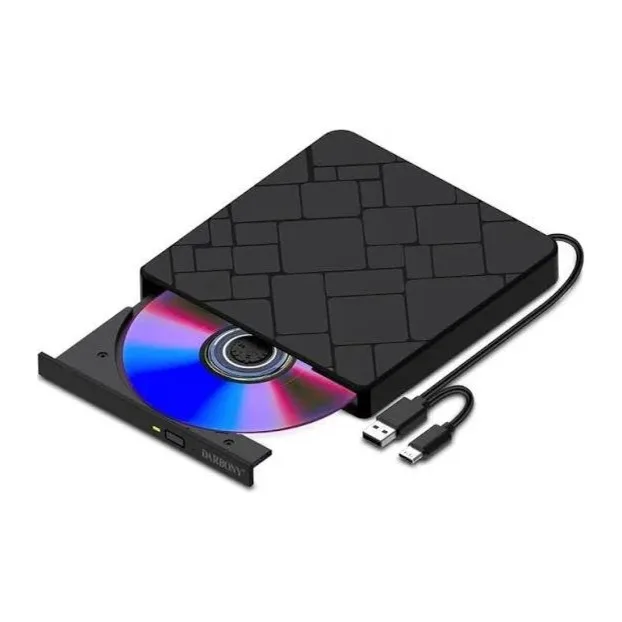
This External CD / DVD Drive restores disc support to laptops and desktops that no longer include a built-in optical drive. Connect it to a USB port and you can read, play or burn CDs and DVDs within seconds, with no separate software required.
Its slim, lightweight design slips easily into a laptop bag without adding noticeable weight. Because it draws power directly from the USB connection, there is usually no separate adapter to carry, so it is easy to keep to hand whenever a disc-related task comes up.
The drive supports CD-ROM, CD-R/RW, DVD-ROM and DVD-R/RW discs, covering music, video, data and software installs. It works with both Windows and macOS, and is recognised automatically as soon as it is connected, so there is nothing extra to install.
This CD/DVD drive is brand new. You can collect your order in our Bray, Ballina or Sligo stores, or have it delivered anywhere in Ireland, with 15 days to return it if it does not suit you, and pay by card, Klarna or Humm.
Yes. It is supplied brand new.
No. It is designed to be plug-and-play and is recognised automatically by Windows and macOS as soon as you connect it.
No. It is USB bus-powered, so it draws power directly through the USB connection without a separate adapter.
You can collect it in our Bray, Ballina or Sligo stores, or have it delivered anywhere in Ireland, with 15 days to return it if needed.
Prices include VAT.
This External CD / DVD Drive comes with a 12-month warranty. If something goes wrong that isn’t accidental damage or liquid, bring it to any of our stores or contact us and we’ll repair or replace it.
Changed your mind? You can return it within 15 days for a full refund as long as it is unopened, in its original sealed packaging. Premium-grade phones and accessories can’t be returned once opened (this doesn’t affect your warranty or your rights if it’s faulty).
Great service.got me back on track again. Thank you. Highly recommended
Great service Very Pleased with everything Highly Recommended
Best place to solve phone problems. Recovered my iCloud and Apple ID when the regular phone shops couldn’t help. Thanks a million
Every phone is fully tested and unlocked, with a 12-month warranty. Only the look is different.
Try any phone in person, get a repair while you wait, trade in your old phone or collect your online order the same day.
We use essential cookies to run the shop. With your OK we’d also use analytics, marketing cookies (Meta) and show Google Maps & videos. Cookie policy